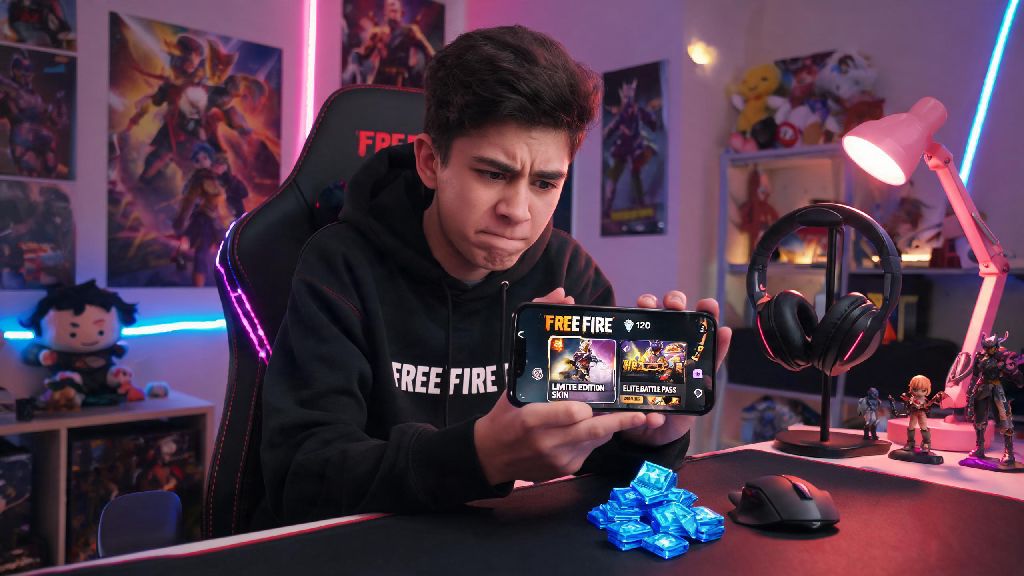
If you’ve ever spent 20 minutes scrolling through Free Fire’s store, staring at a limited-edition character skin or elite battle pass you can’t afford with your current diamond balance, you know how frustrating it can be to hit a wall right when you want to customize your loadout. A lot of new players make avoidable mistakes when adding diamonds to their accounts, from falling for scams to wasting money on low-value packs that don’t give them any extra perks. We’re breaking down exactly how to do top up in Free Fire safely, get the most value for your money, and avoid the common pitfalls that get hundreds of accounts banned every month.
Step-by-Step: How to Do Top Up in Free Fire via Official Channels
The only way to guarantee your purchase goes through without issues is to use Garena’s approved top up channels, and the process is far simpler than many new players realize. The easiest and most secure option is to top up directly inside the Free Fire app. Open the game, tap the diamond icon at the top of your home screen, select the diamond pack or membership that fits your budget, choose your preferred payment method, and confirm the transaction. Your diamonds will show up in your account within 60 seconds for most payment types. Official top up channels are the only way to guarantee you receive your diamonds without risking account penalties.
If you prefer not to pay directly through the app, you can also use Garena’s official web top up portal. You won’t need to enter your account password at any point—just type in your unique Free Fire ID, select your desired pack, complete payment, and the diamonds will be added to your account automatically. Only use payment methods you have direct access to, to avoid chargeback risks that can get your account banned. If someone else uses a stolen card or reversed payment to top up your account, Garena will issue a permanent ban with no appeal option, even if you didn’t know the payment was fraudulent.
Common Top Up Scams to Avoid at All Costs
Free Fire’s massive player base makes it a popular target for scammers looking to steal accounts or money from unsuspecting players, and most of these scams target the top up process. You’ve probably seen these offers floating around on social media, gaming forums, or even in in-game chat rooms: sellers promising 10x the normal amount of diamonds for half the regular price, or free elite passes if you send them a small gift card payment. All of these offers are designed to trick you out of your money or account access, and you should avoid them entirely.
Look for these clear red flags to spot a top up scam instantly:
Any top up that requires you to share your account password is 100% a scam, no exceptions. I’ve seen at least 10 players in my local Free Fire community lose their 2-year-old accounts last year alone because they fell for these scams. The scammers either take their money and disappear, or use stolen payment methods to add diamonds, leading to a permanent ban when Garena flags the fraudulent charge.
How to Maximize Value When You Top Up in Free Fire
You don’t have to spend extra money to get more out of your Free Fire top ups—you just need to time your purchases strategically and pick the right packs for your play style. The first rule is to never buy standalone diamond packs unless you only need a small number of diamonds right away. Membership packs give you far more value for the same cost, even if you only play a few times a week.
Weekly and monthly memberships offer up to 3x more diamond value than standalone one-time top up packs. For example, the weekly membership costs the same as a 100 diamond one-time pack, but gives you 100 diamonds upfront plus 60 diamonds every day for 7 days, adding up to 520 total diamonds for the same price. If you play consistently, this is the best possible value for your money, no contest.
You should also time your top ups to line up with in-game events, especially anniversary events, seasonal passes, or limited-time skin drops. Garena almost always runs bonus promotions during these events where you get free exclusive skins, emotes, or loot boxes just for topping up a certain minimum amount. For example, during the annual OB update launch events, you can get a free legendary gun skin just for topping up 100 diamonds, which is a perk you won’t get any other time of year. If you only top up when you need diamonds right away, you’re missing out on hundreds of dollars worth of free in-game items every year.
What to Do If Your Top Up Doesn’t Show Up
Even if you use official channels, you might occasionally run into a delay with your diamonds hitting your account, especially if you use carrier billing or regional e-wallets with slower processing times. The first thing to do is wait 15 minutes before panicking—most delayed transactions process automatically within that window, especially during peak gaming hours when Garena’s servers are handling more purchases than usual.
If 15 minutes pass and you still don’t see your diamonds, check your bank or e-wallet statement to confirm the payment was actually processed. If the payment went through, open the in-game support center, submit a ticket with your Free Fire ID, transaction ID, and a screenshot of your payment receipt. Always save your payment receipt for at least 72 hours after completing a top up, to make support requests faster. Most valid missing top up requests are resolved within 24 hours if you have proper proof of payment.
But if you used an unofficial third party seller, you’re almost certainly out of luck. Garena doesn’t recognize purchases made outside their approved channels, so they won’t refund your money or add the diamonds to your account even if you have a receipt from the scammer. That’s why it’s always worth paying a little extra to use official channels, instead of trying to save a few bucks and losing your entire account in the process.
At the end of the day, learning how to do top up in Free Fire is simple once you know what to look for and what to avoid. Stick to official in-game or Garena-approved top up channels, skip any offers that seem too good to be true, and time your purchases to line up with in-game events to get the most bonus items for your money. I’ve been topping up my own Free Fire account for three years now, and I’ve never had a missing diamond or account ban issue following these exact rules. Next time you’re ready to add diamonds to your account, take an extra minute to double check you’re using a trusted source, and you’ll be able to enjoy your new skins or battle pass without any stress.