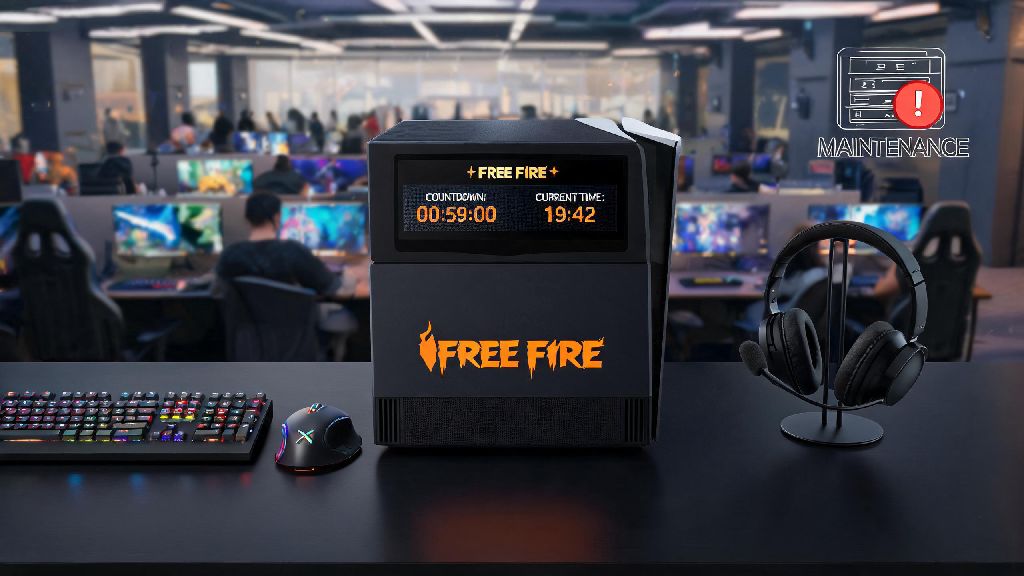
There’s nothing more frustrating than carving out 30 minutes of your day to grind Free Fire rank matches, only to hit a “server under maintenance” or “connection failed” pop-up when you log in. If you’re scrolling right now trying to figure out when will free fire server open today, you’re not alone. Thousands of players run into this exact issue every week, whether it’s from scheduled updates, unexpected outages, or even just regional connection blips. I’ve lost count of how many times I’ve sat down to play a custom match with friends on a weekend, only to find servers are down for a surprise patch. This guide will walk you through exactly how to get accurate, real-time updates, fix common access issues, and avoid scams that pop up during server downtime.
How to Confirm When Will Free Fire Server Open Today Fast
The worst thing you can do during server downtime is scroll through random social media posts or YouTube Shorts for updates, because most of them are either outdated or clickbait designed to get views. Most of the time, you can get a clear answer for when will free fire server open today within 5 minutes of checking official, trusted sources. First, head to the official Garena Free Fire X (Twitter) account. They pin all latest server status updates to the top of their profile, and usually post about unexpected outages within 10 minutes of servers going down. If you already have the game open, the initial pop-up that shows the server error will almost always include the expected return time for scheduled maintenance.
Another reliable source is the official Free Fire Discord server. The announcements channel has real-time updates from Garena moderators, and you can even ask questions in the support channels if you’re confused about regional rollout times. There are also a few reputable third-party server status trackers that pull data directly from Garena’s systems, but be very careful with these. Never enter your Free Fire account credentials on any third-party site claiming to show server status, as these are almost always phishing scams designed to steal your account and skins. Stick to sources you trust, and you’ll never waste time waiting for fake updates.
Common Reasons Free Fire Servers Go Down Unexpectedly
Not all server downtime is a surprise. Most of the time, Garena runs scheduled maintenance every 2 to 3 weeks, usually on weekday mornings for most regions, to roll out new patches, fix game-breaking bugs, add new events, or launch new characters and skins. If the downtime is scheduled, the announcement will clearly state when will free fire server open today, so you can plan other activities until then. They always announce scheduled maintenance at least 24 hours in advance across all their social media channels, so you can avoid sitting down to play right as servers go offline if you follow their updates.
Unexpected outages are a lot more frustrating, and they usually happen for a few common reasons. The most frequent cause is server overload during big event launches. I saw this happen during the recent Holi event, where 3x more players logged in than expected to claim free rewards, crashing servers for almost 2 hours in South Asian regions. Other causes include DDoS attacks (rare but they happen a few times a year), regional internet service provider routing issues, or critical bugs found right after a patch goes live that force Garena to take servers down again to fix them. In most cases of unexpected outages, Garena will post an initial update within 10 minutes, and follow up with an expected return time within 30 minutes.
Quick Fixes to Try If You Can’t Access Servers Even After They’re Live
It’s really common for players to still get connection errors even after Garena announces servers are back online. That’s because Garena rolls out server access in waves across different regions to avoid overloading their systems all at once. If your friend in another city says they’re already playing, you don’t need to panic – your region’s turn is probably next. If it’s been more than 20 minutes since servers were supposed to be live and you still can’t log in, try these quick fixes to rule out issues on your end:
If none of these fixes work, double check official sources to make sure there wasn’t a last-minute delay in server reopening. It’s not uncommon for Garena to push back the return time if they find extra bugs during maintenance. Always avoid downloading “patched” APKs from untrusted sites that claim to let you access servers early – these almost always have malware that can steal your account information or even lock your device entirely. It’s always better to wait 15 more minutes than risk losing your account you’ve spent months grinding on.
What to Do While You Wait for Free Fire Servers to Come Back Online
Instead of refreshing your social media feed over and over while you wait, you can use the downtime to get better at the game or make sure you’re ready to grind as soon as servers are back. First, take 10 minutes to plan your next rank push. If you’re stuck in Platinum or Diamond rank, watch a short tutorial from your favorite Free Fire creator on how to improve your close-range aim or rotate better in the final circles. I’ve tweaked my gameplay a lot using tips I watched during server downtime, and I jumped two full ranks in one month just from those small changes.
You can also customize your control layout to fit your hand size better, or adjust your sensitivity settings. Small tweaks to your fire button position or scope sensitivity can make a huge difference in your reaction time during fights. You can also browse official Free Fire social media accounts to see leaks for upcoming events, so you know which rewards you want to grind for once servers are back. Don’t forget to check your in-game mail once servers are live, either. Garena almost always gives out compensation for unexpected downtime, usually 100 to 300 free diamonds, a temporary skin, or supply crates. Compensation rewards are only available for 48 hours after servers come back, so make sure to claim them before they expire.
If you’re really bored, you can also join custom scrim groups on Discord to practice with other players while you wait, or even just hang out and chat with other Free Fire fans who are also stuck waiting for servers to come back. Just make sure you don’t fall for any scams from people claiming to sell early server access or free diamonds during this time – those offers are never real.
Server downtime is an annoying but unavoidable part of playing any online mobile game, especially one as popular as Free Fire with hundreds of millions of monthly players. You don’t have to waste time scrolling through unreliable posts or falling for scams to get the latest updates. Stick to official Garena channels to get the most accurate answer for when will free fire server open today, and use the quick fixes we shared to get back to your matches the second they’re available. Next time you hit that server down pop-up, you’ll know exactly what to do instead of wasting your playtime waiting around for random updates.