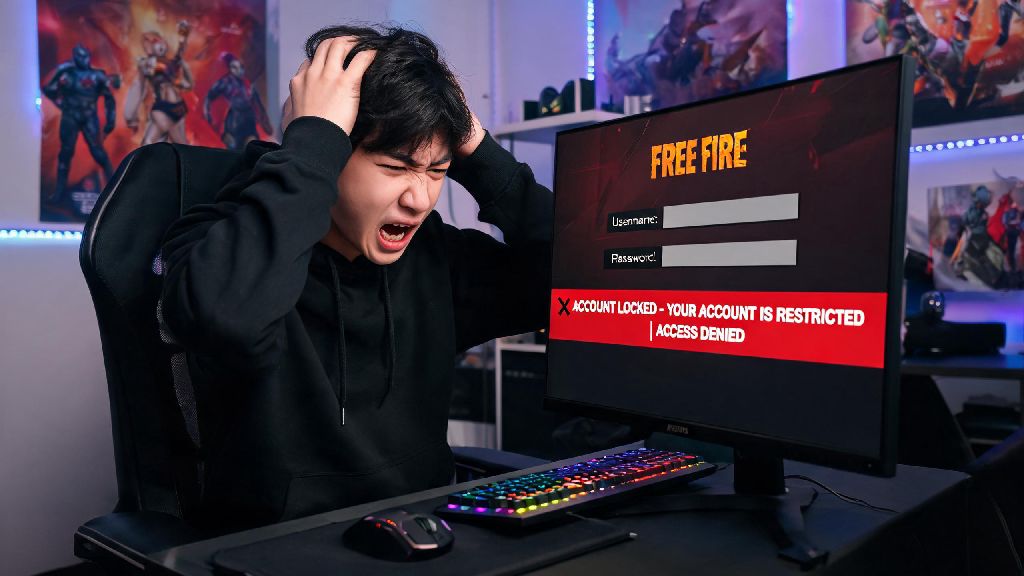
There’s no worse feeling for a Free Fire player than opening the app one day to find you’re locked out of your account. You might have spent hundreds of hours grinding ranked matches, collecting limited-edition event skins, and even spending real money on in-game bundles, only to lose access with no warning. This issue is more common than you might think, and it can happen for dozens of reasons, from a forgotten password to a false anti-cheat ban. In this guide, we’ll walk you through every official, safe method for how to recover Free Fire account access without risking scams or permanent account loss.
How to Recover Free Fire Account for Common Login Loss Scenarios
The most common reason players lose access to their accounts is simple login issues, not bans, so this is the first place you should start troubleshooting. The steps you take will depend on exactly why you can’t log in, so start by identifying what error message you see when you try to sign in. For example, if you see an “incorrect password” error, that’s a much easier fix than if you’ve lost access to the email or social media account you used to sign up.
If you just forgot your password, the fastest fix is to use the “forgot password” option on the login screen of the platform you used to sign up. That could be Google, Facebook, VK, or your linked phone number, depending on what you used when you created your Free Fire account. Never enter your Free Fire login details on any site other than the official Garena website or the game’s own login screen, as fake login pages are one of the most common ways players get their accounts stolen in the first place. Once you reset your password for your linked account, you should be able to log back into Free Fire immediately with no extra steps.
If you lost access to the linked account entirely, like if your old email was deleted or your Facebook account was hacked, you’ll need to submit a support ticket directly to Garena. You’ll need to provide proof that you own the Free Fire account, which we’ll cover in more detail later in this guide. I’ve seen players get their accounts back even 6 months after losing access to their linked email, so don’t give up if you think all hope is lost.
What to Do If Your Free Fire Account Got Banned Wrongfully
Another common reason players lose account access is a ban, and not all bans are deserved. Garena’s anti-cheat system is far from perfect, and it can sometimes flag legitimate players for suspicious activity if they have a bad internet connection, use a custom ROM on their phone, or even get mass-reported by toxic players after a ranked match. You’ll know you’re banned if you see a specific ban message when you open the app, with a ban duration or a note that the ban is permanent.
First, read the ban reason carefully. If the reason says you violated terms of service for cheating, hacking, or selling accounts, and you didn’t do any of those things, you’re eligible to submit an appeal. You will need to provide proof of account ownership for all ban appeals, so have that information ready before you start the process. You can submit an appeal either through the in-game support tab (if you can access it while locked out) or through the official Garena Free Fire support website.
When you write your appeal, be as clear and specific as possible. Explain exactly what you were doing before you got banned, mention any recent changes to your device or internet connection, and politely ask the support team to review your case again. Don’t be rude or aggressive in your message, as that will make support teams less likely to prioritize your ticket. If your ban was temporary, you can wait out the ban period if you don’t want to go through the appeal process, but keep in mind that repeated temporary bans can lead to a permanent ban later on.
If your ban was issued for confirmed cheating, account selling, or other serious terms of service violations, you won’t be able to recover your account, even if you submit multiple appeals. Garena has very strict policies for these violations, and they rarely reverse permanent bans for confirmed rule breaks.
Key Documents You Need to Speed Up Your Account Recovery Process
The biggest reason account recovery requests get denied or delayed is that players don’t have the right information to prove they own the account. Garena gets thousands of recovery requests every day, so they will not give you access to an account unless you can provide clear proof that it belongs to you. Preparing these documents before you submit your request will cut down your wait time significantly and give you a much higher chance of success.
Here’s everything you should gather before you submit your ticket:
You don’t need every single one of these items to submit a request, but the more you have, the faster your case will be resolved. Never share your account password or OTP codes with anyone claiming to be a Garena support representative, as official support teams will never ask for this information. Anyone who asks for your password or OTP is a scammer trying to steal your account.
If you don’t have any purchase receipts, don’t panic. You can still provide other details like your account’s highest rank, the names of your top 5 in-game friends, or the first skin you ever purchased on the account. These unique details are often enough to verify ownership if you can answer them correctly.
Mistakes to Avoid When Trying to Get Your Free Fire Account Back
Even if you follow all the right steps, small mistakes can ruin your chances of getting your account back. Most of these mistakes come from players being impatient or falling for common scams, so it’s important to know what to avoid before you start the recovery process. I’ve seen hundreds of players lose their accounts permanently just because they made one of these simple mistakes, so pay close attention.
The first and biggest mistake is using third-party “account recovery services” that promise to get your account back for a fee. All of these services are scams. They will either steal your personal information, take your money and do nothing, or use illegal methods to access your account that will get it permanently banned by Garena. There is no way to speed up the official support process by paying someone, so don’t waste your money.
Another common mistake is submitting multiple duplicate appeals within a few days. Support teams flag repeated requests from the same user as spam, and this will push your ticket to the very back of the queue. Support teams usually take 3 to 7 business days to respond to legitimate requests, so wait at least a week before sending a follow-up message if you haven’t heard back.
Don’t lie or provide fake proof in your appeal either. If the support team catches you submitting fake purchase receipts or lying about why you lost access, they will permanently blacklist your account and you will never be able to recover it, even if you originally had a legitimate case. It’s always better to be honest if you’re missing some details, rather than making up information.
Finally, don’t wait too long to submit a recovery request. If your account was hacked, the hacker will likely change all the linked details and make purchases on the account over time. The longer you wait to report the issue, the harder it is for support teams to verify that you are the original owner. Submit your request as soon as you realize you can’t access your account to get the best possible outcome.
Losing access to your Free Fire account can be incredibly frustrating, especially if you’ve put months of time and money into building your profile. The good news is that most account access issues are fixable, as long as you follow official steps and avoid common scams. Regularly backing up your account details is the easiest way to avoid long recovery waits, so take a minute today to save your account ID, link your account to at least two different platforms, and store your purchase receipts somewhere you can find them later. If you ever do get locked out, you’ll have everything you need to figure out how to recover Free Fire account access quickly, without unnecessary stress or risk.